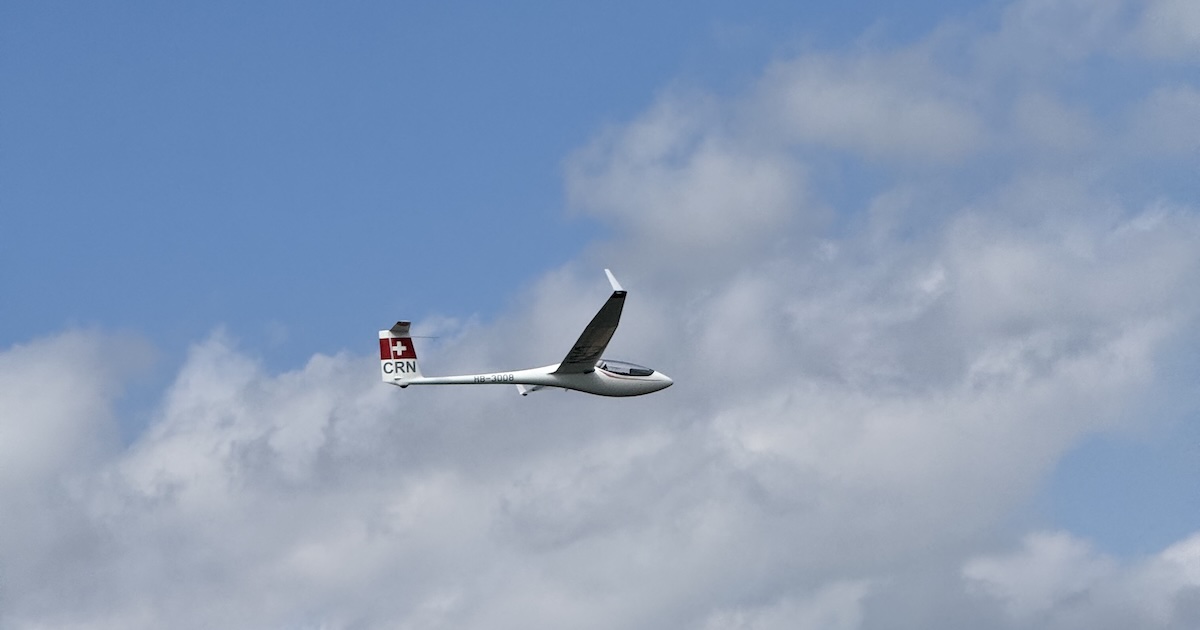
When you open two or more competition flights, each pilot started at a different time. That makes it hard to replay them together and see who was ahead at each point in the task. With Align start, Vulture shifts the timelines so every flight starts at the same moment, letting you compare the entire task relative to each pilot's start.
How to align
Open two or more flights on the map, then tap the menu and select Align start.
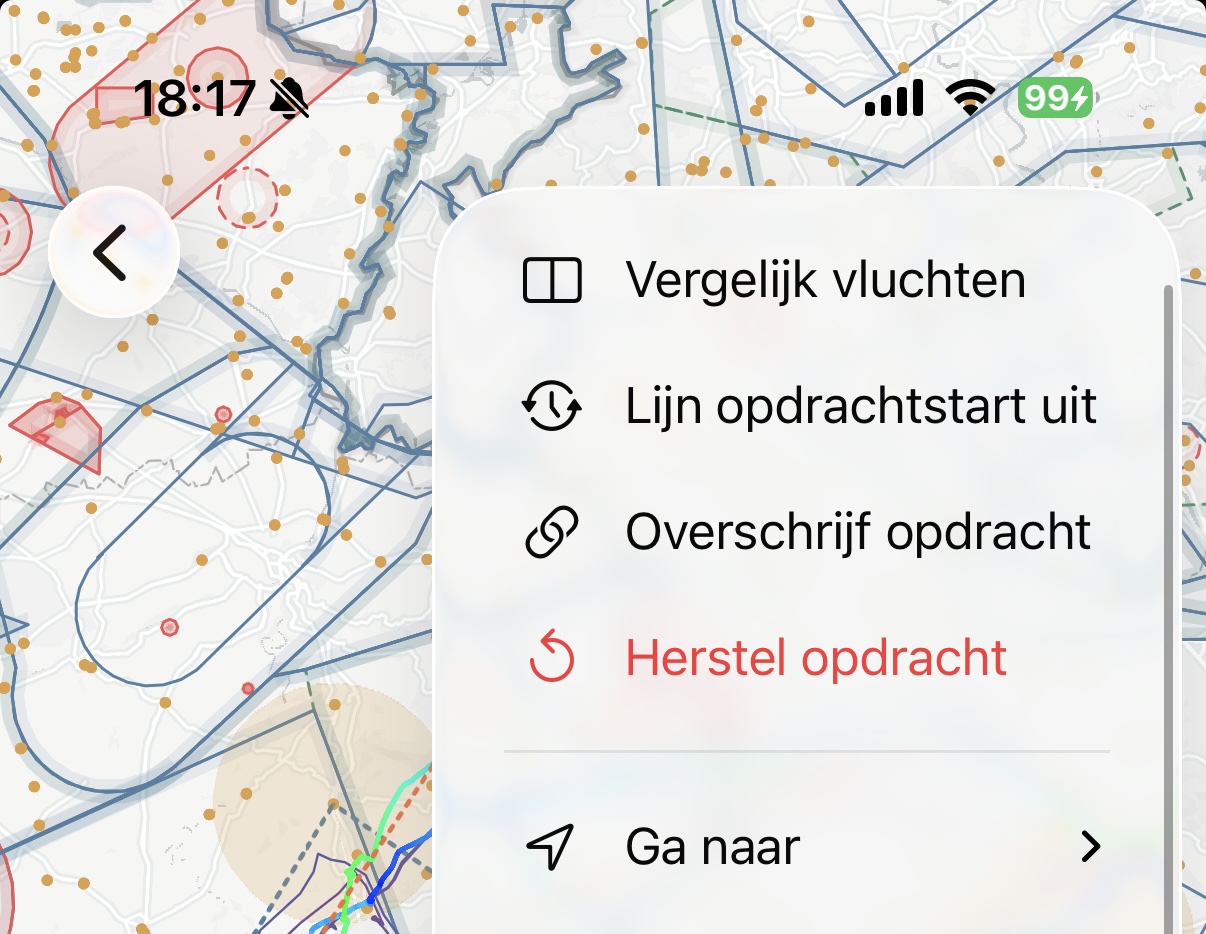
If you haven't selected a task yet, Vulture will prompt you to pick one first. Alignment needs a task to know where each pilot started.
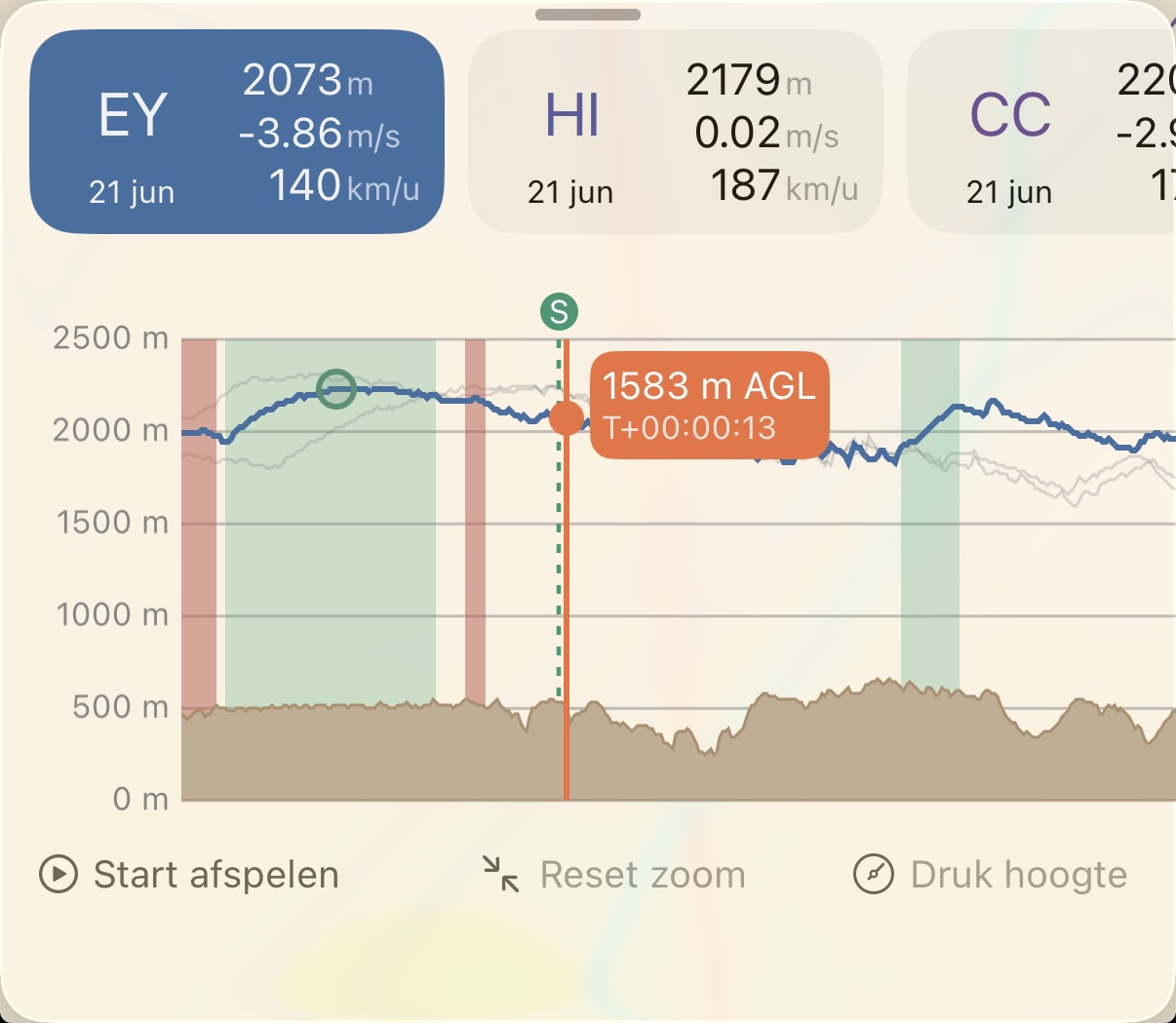
Once aligned, the timeline shifts so the earliest task start becomes the reference point. Every other flight is offset to match. The glider positions on the map, the barograph, and the playback slider all reflect the aligned times.
What it looks like
Before alignment, replaying two flights shows each pilot at their absolute position in time. One might be on the second leg while the other is still on the first, simply because they started 20 minutes apart.
After alignment, you see both pilots at the same relative point in their task. If one pilot is ahead on leg two while the other is still on leg one, that's a real performance difference and not just a timing gap.
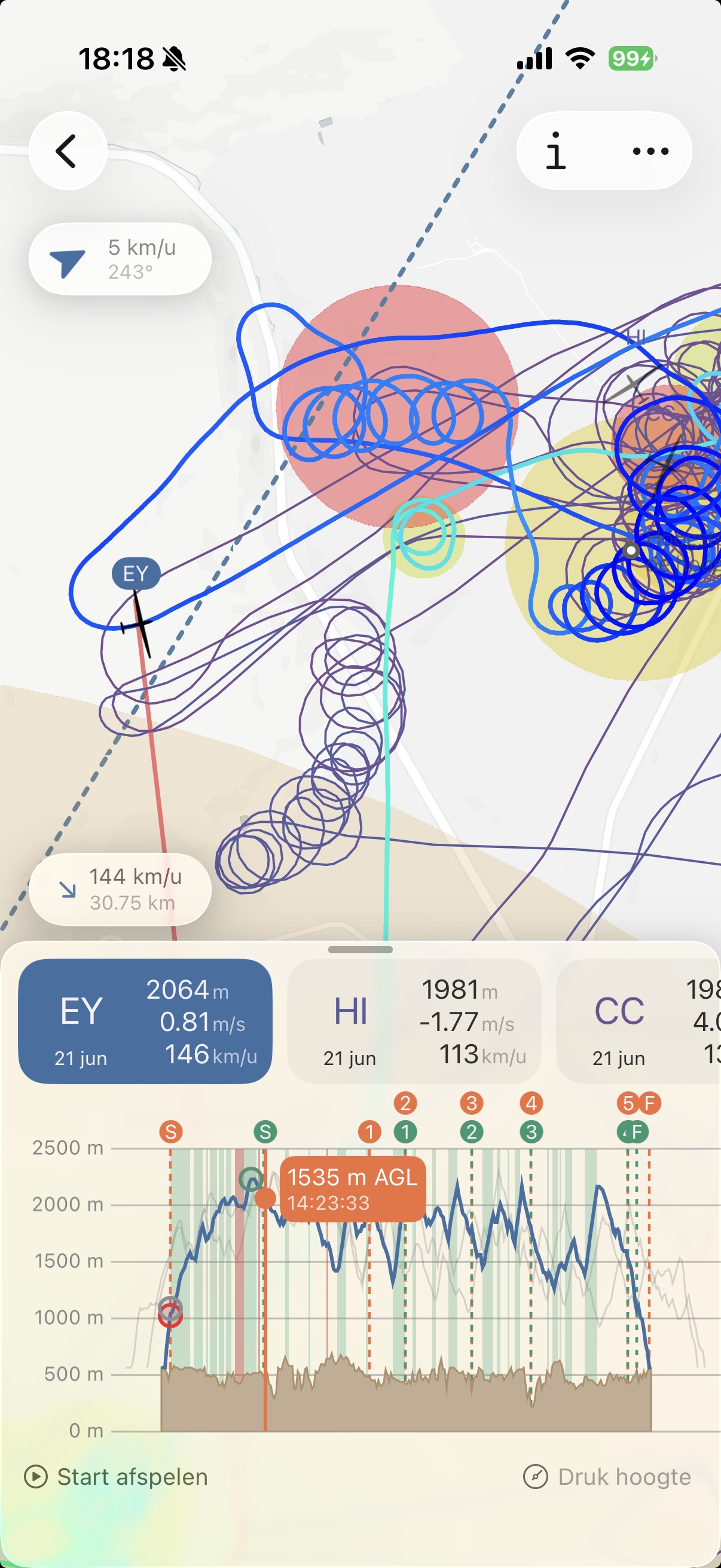
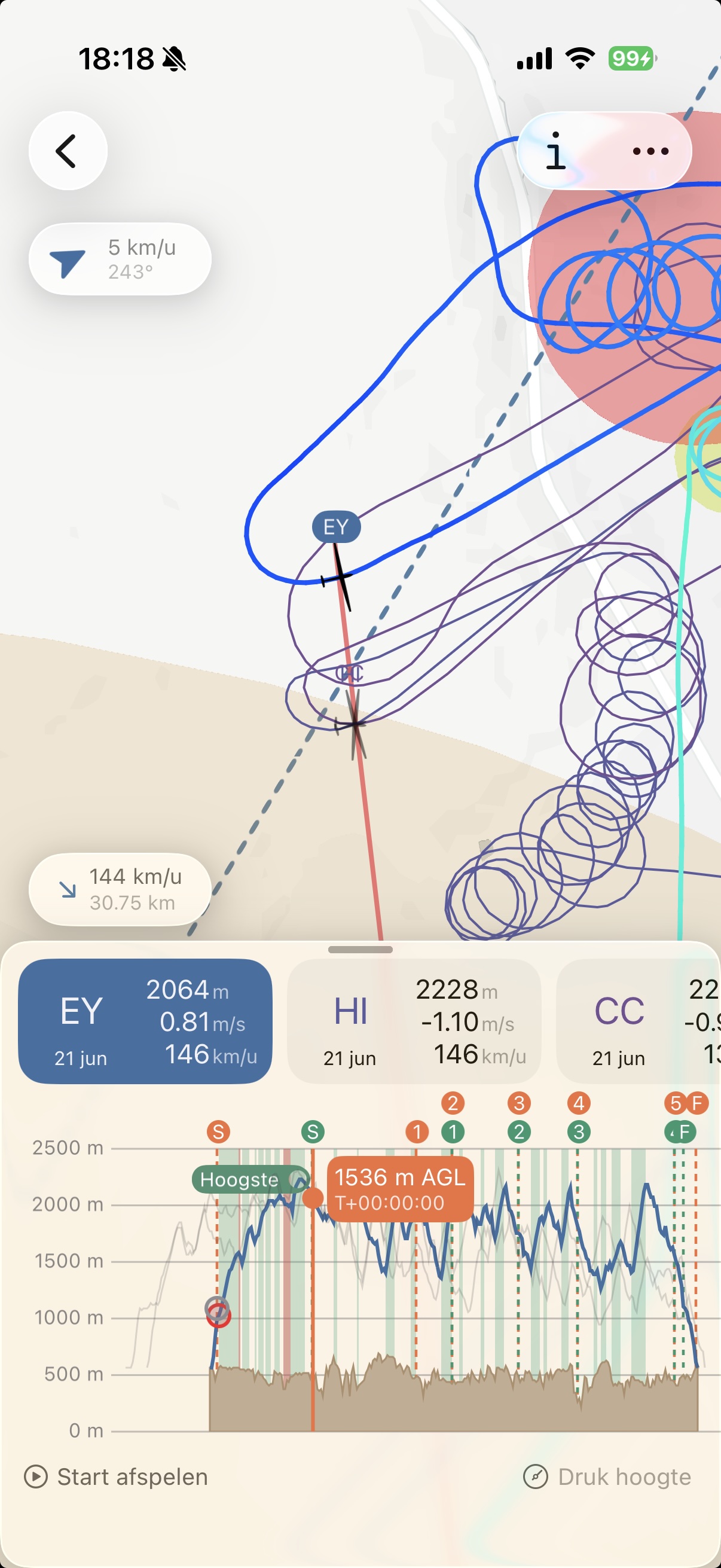
The barograph also reflects the alignment, so you can see altitude profiles relative to each pilot's task start rather than clock time.
When to use it
Alignment is most useful when you're studying how different pilots flew the same competition task. Combine it with Override task to make sure all flights are analysed against the same task definition, then align the starts to replay them together.
A typical workflow:
- Download several flights from a Soaring Spot competition day (the task is applied automatically)
- Tap Align start to synchronise the timelines
- Use the playback slider to step through the task and see how each pilot handled the same conditions
- Open Compare to see the numbers side by side
Once aligned, Align start is replaced by Reset alignment in the menu, which puts every flight back on absolute time.
Happy analysing, and blue skies!