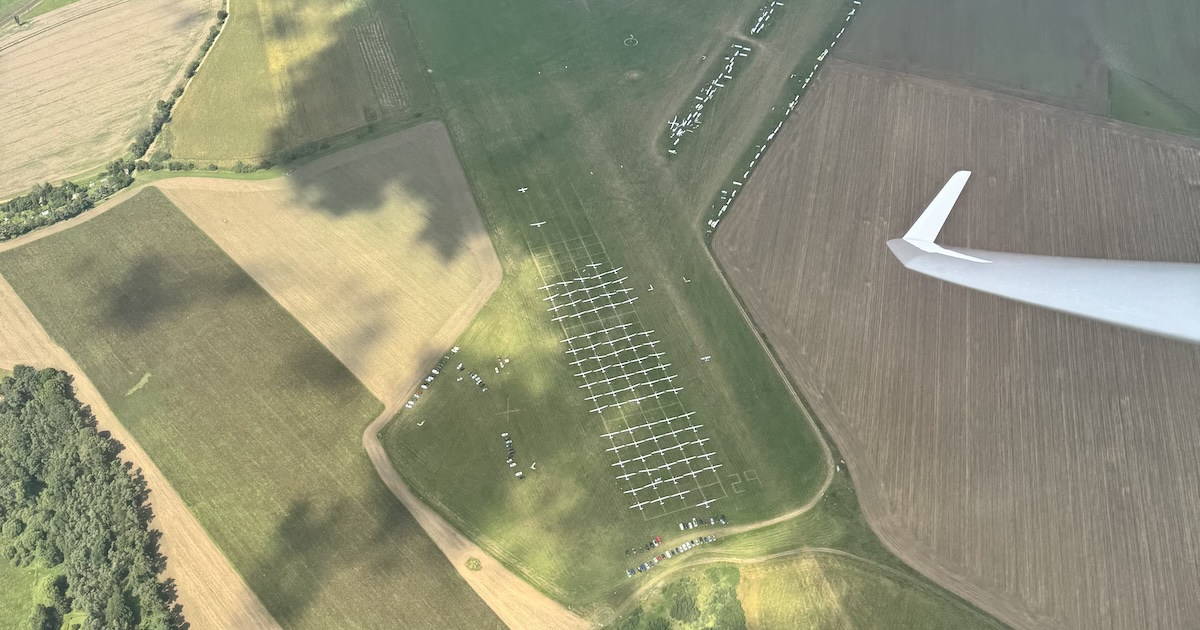
Competition flying produces some of the most interesting flights to analyse. Vulture pulls them straight from Soaring Spot, with the replay, thermals, and performance data waiting on your iPhone or iPad.
Browse competitions in the app
Soaring Spot sits in the sidebar's Discover section, next to WeGlide, Charron.line and SkyLines. It opens beside the sidebar, the way your own flights and tasks do, and the app reopens on it if that is where you left.
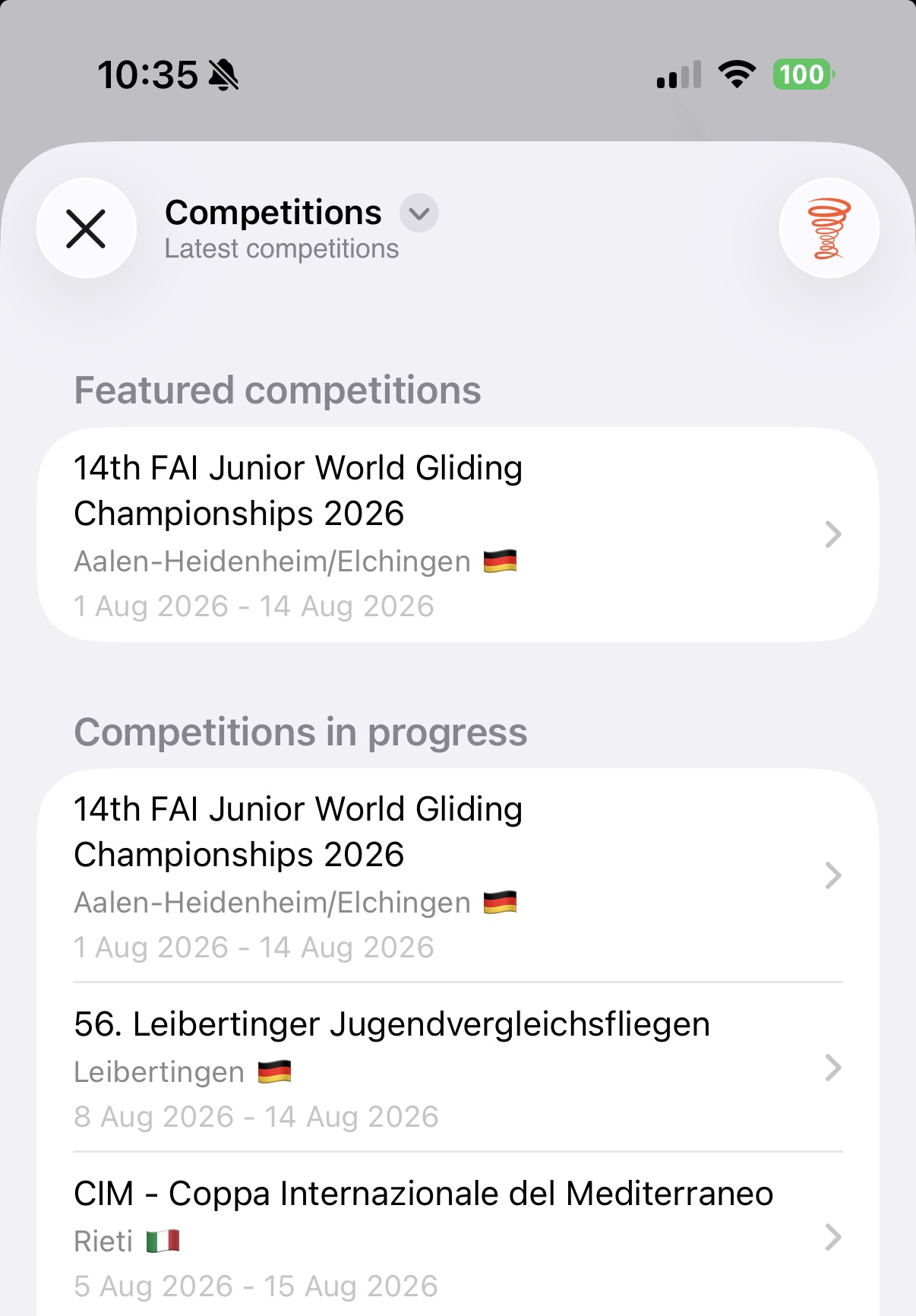
The filter button at the top, the same three lines your own lists filter with, picks what the screen shows: Competitions or Recently opened. Competitions is every contest Soaring Spot lists, and Country and Year in the same menu narrows them, with the line under the title saying what they are narrowed to. Anything you've opened before turns up under Recently opened, so a contest you're following through the week is two taps away. A wide window shows the competitions as tiles, each with its name, place and dates; an iPhone keeps the list.
Tap a competition to see its flying days, grouped per class, with cancelled days struck through: tiles in a wide window, a row per day on an iPhone. A competition with no days to show yet, because it hasn't started or its organiser publishes no results, says so and offers Show Pilots instead: who is entered, per class, with each pilot's competition number, glider, club and handicap.
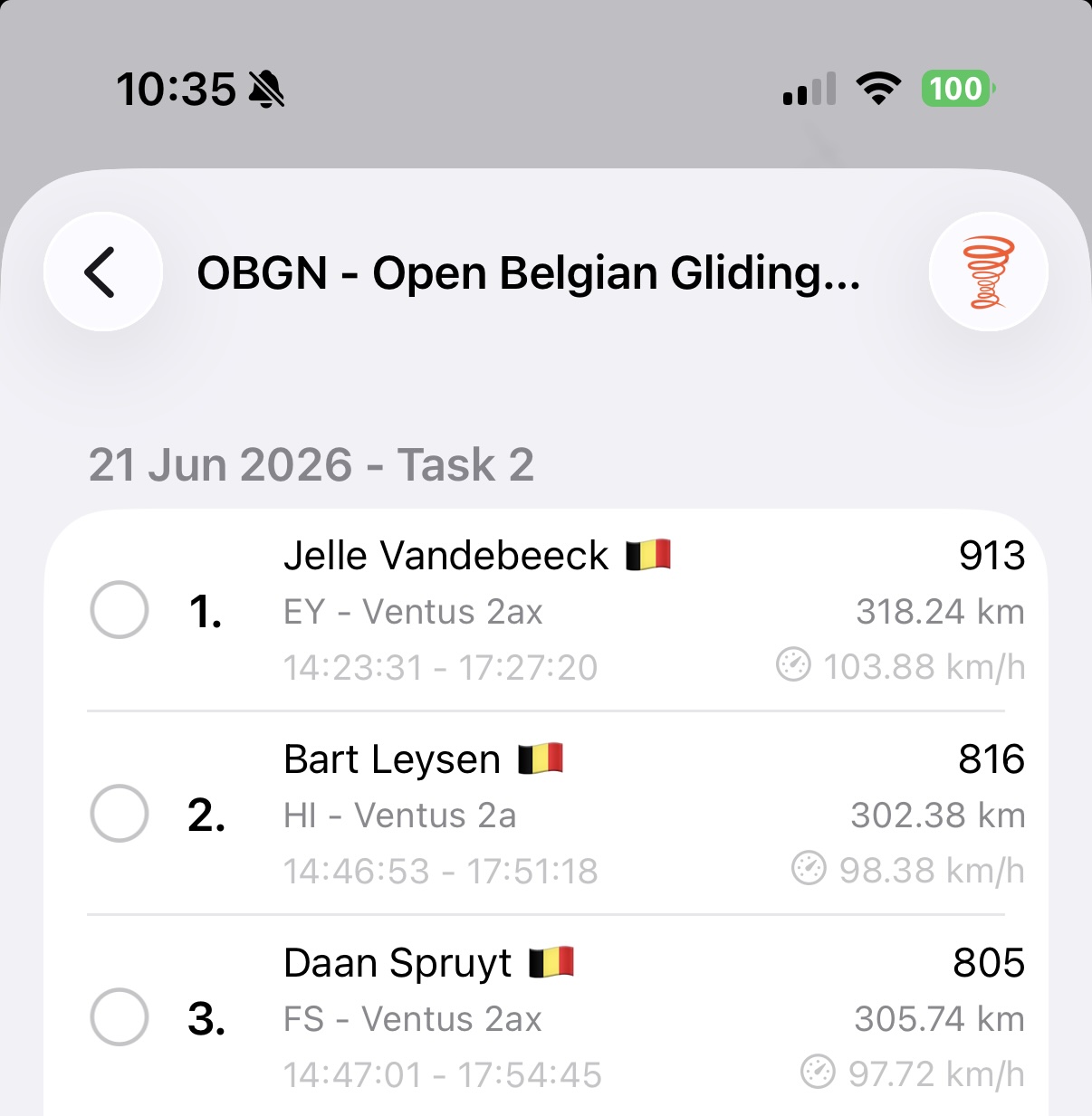
Pick a day and you get the scoreboard: place, pilot with their country flag, and underneath in smaller type the contest ID, glider and start and finish times, with the points on the right. The first three places wear a gold, silver and bronze medal, so the best flights stand out while you scroll. Where the window has the room, the start and finish times, the speed and the distance stand in columns of their own. The search field looks through everything a row shows, so typing a name, a glider type or a contest ID finds the row.
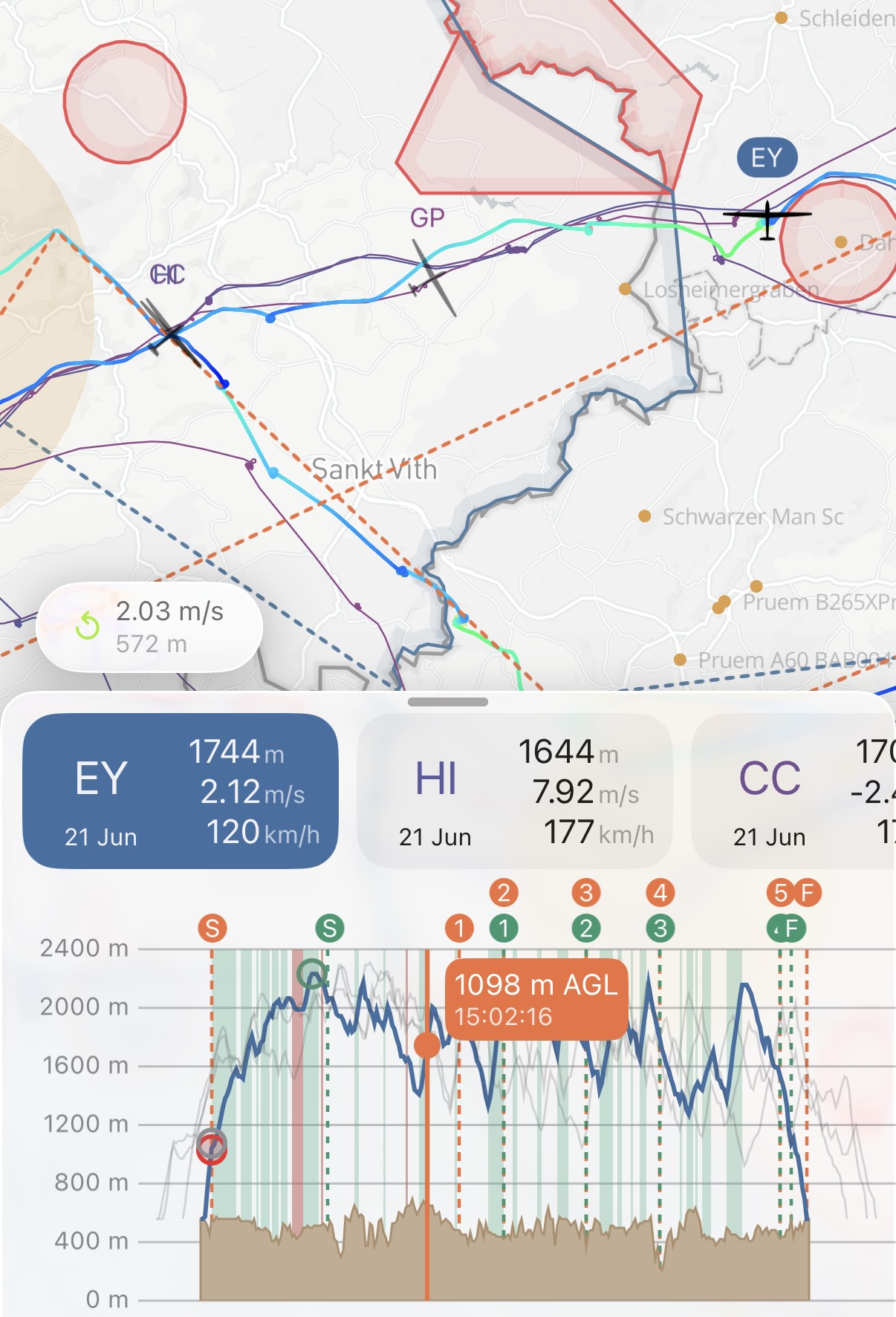
Tap a row and that flight opens. To open several, tap Select, tick the flights you want, and the button in the bottom corner opens them together, with Select All for the whole day. The task button at the top, beside Select, shows the day's task in a sheet over the results, so closing it leaves your selection as it was. The competition task is fetched alongside the results and applied to everything you open, so the route is on the map without any manual setup.
Use the browser extension
If you're browsing results on soaringspot.com, the Vulture browser extension makes it even easier. Available for Safari and Chrome, it adds Open in Vulture links directly into Soaring Spot result pages.
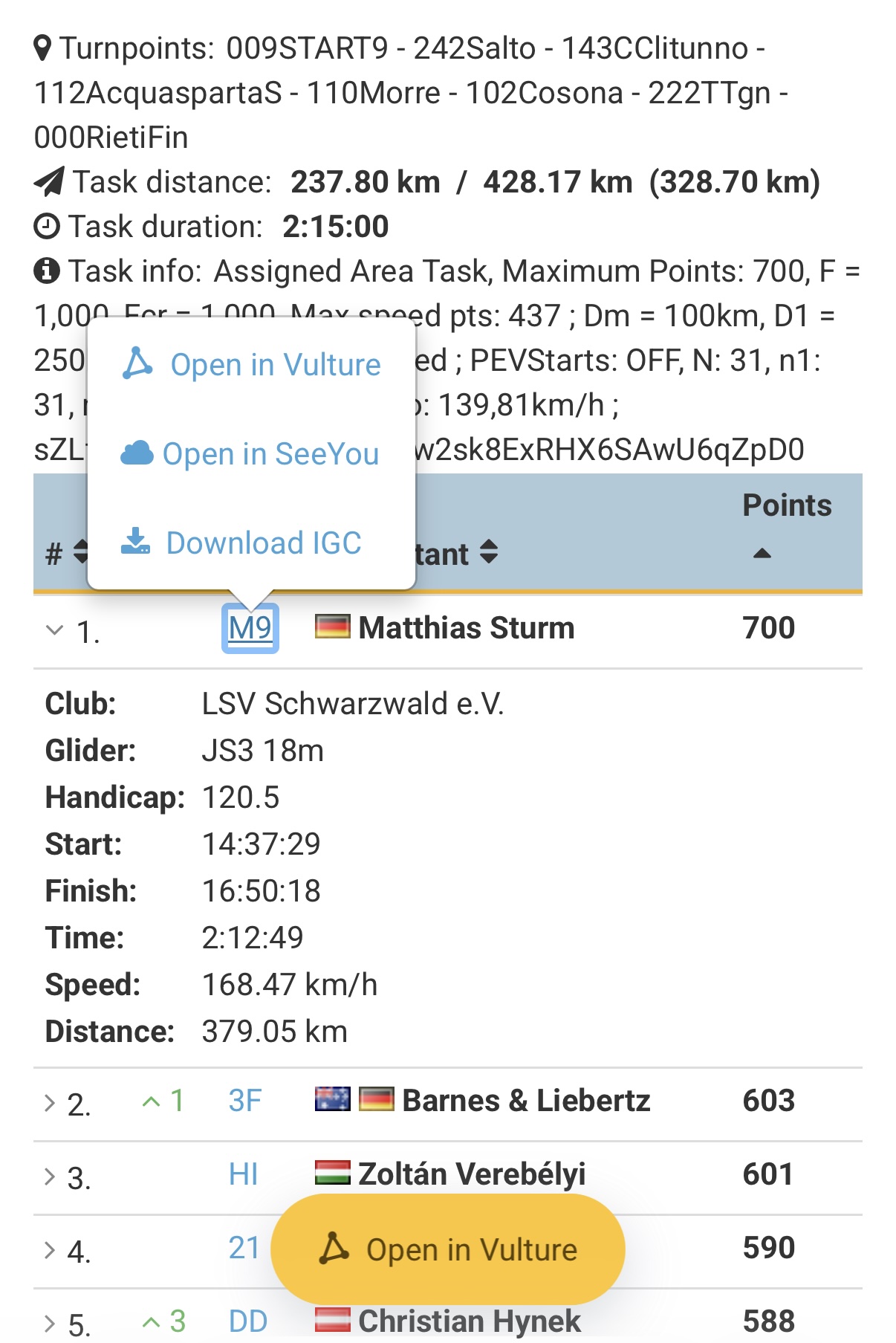
The extension works on daily results, total scores, and task pages. Tap the link and the flight opens in Vulture, without going through the app first.
What happens after you open a flight
The flight is drawn on the map with the competition task already applied, including observation zones and waypoints. It isn't added to your logbook: a Soaring Spot flight is opened, not imported, and going back returns you to the day's results. To keep one, pick Save to flight log from the map's menu. From the map you can:
- Replay the flight on the map
- Analyse thermals, phases, and glide performance
- Compare with other pilots from the same competition day
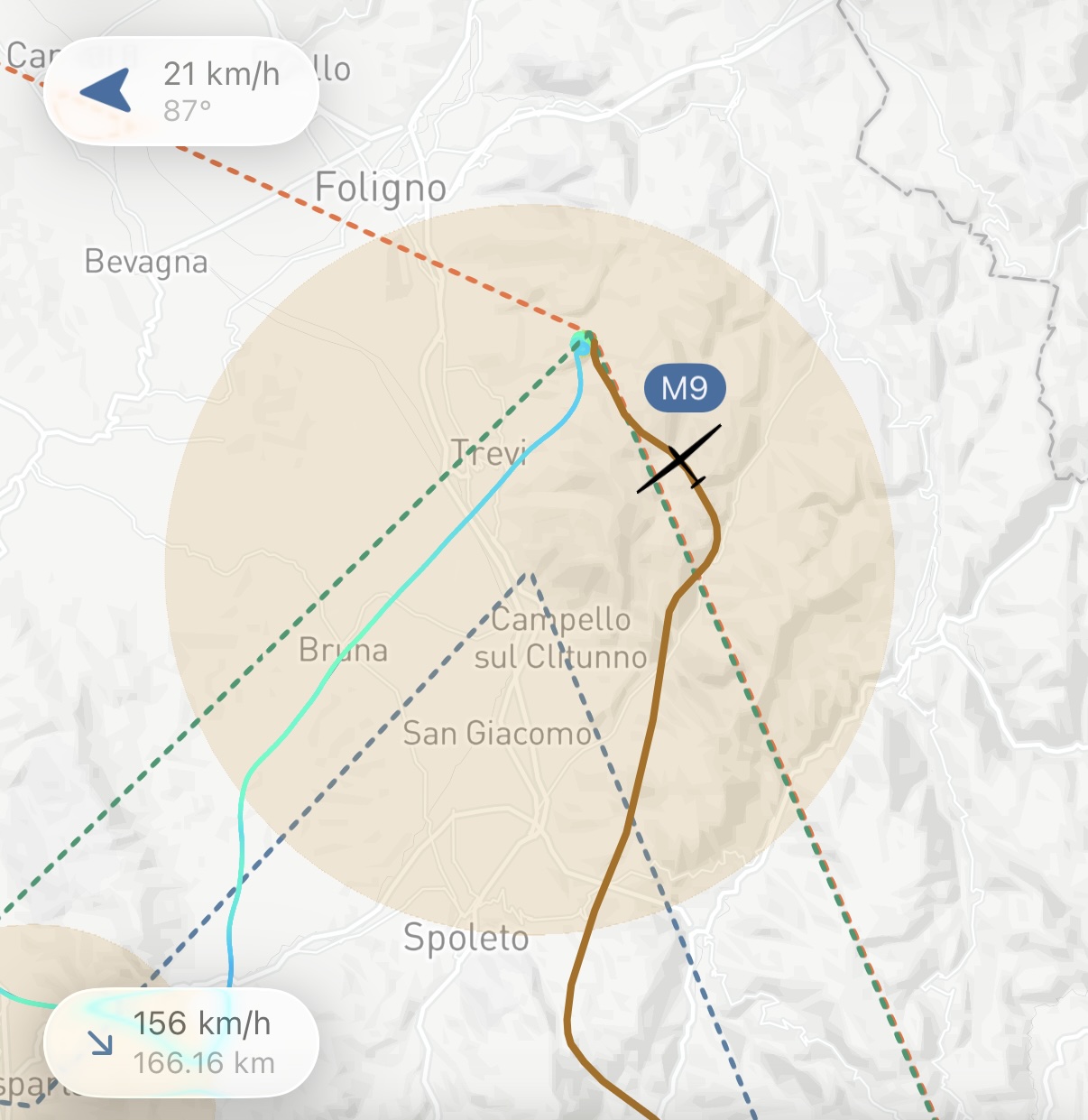
Because every flight from the same day shares the exact same task, the numbers line up, making it easy to see where the winning pilots gained their time.
Happy analysing, and blue skies!